


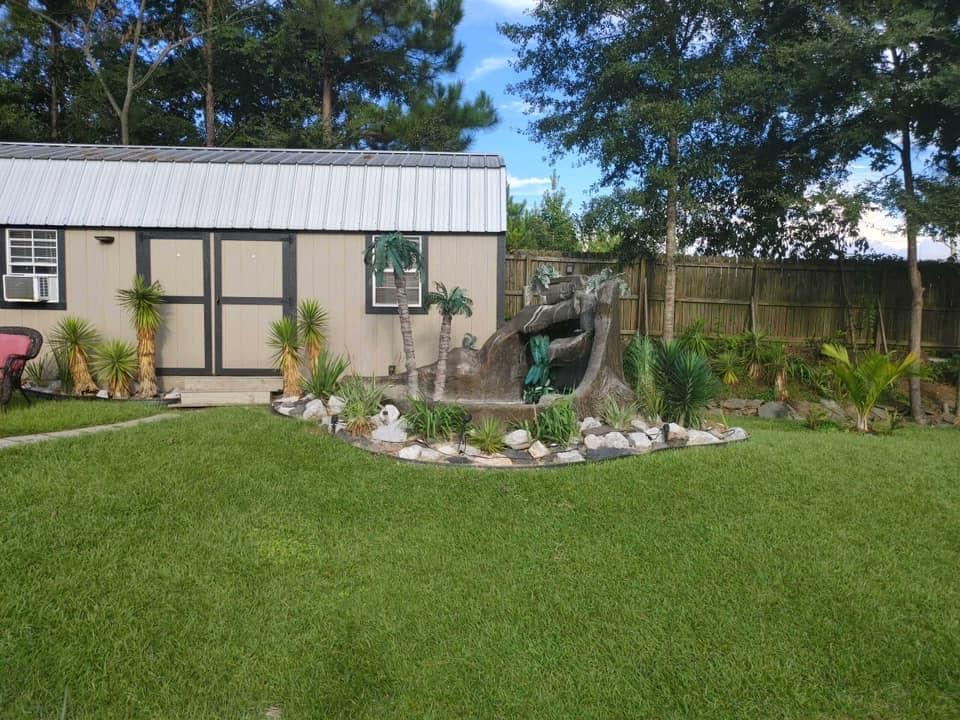
Our Backyard
Album created by
TammyAndrews ·
Updated
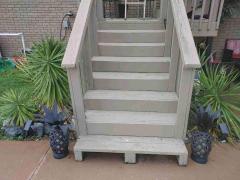
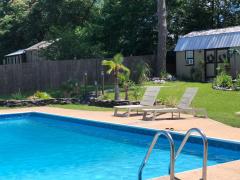
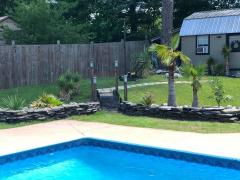
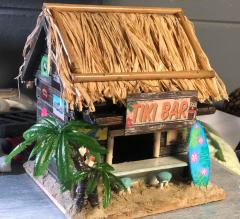
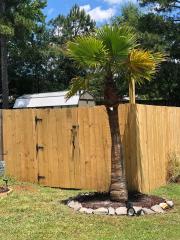
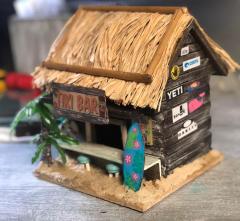
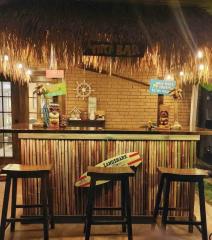
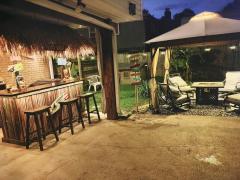
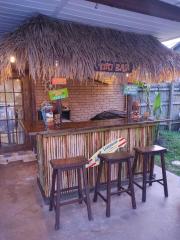
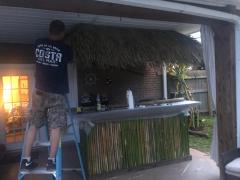
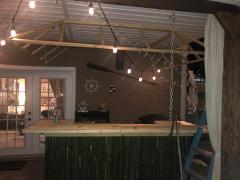
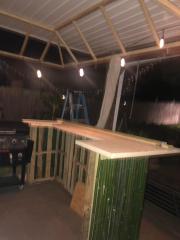
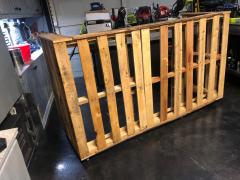
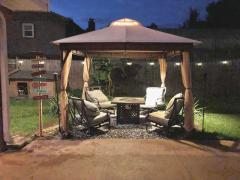
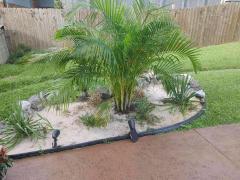
This summer we built a tiki bar, set up a gazebo, made 10 trips for flat rocks to put around our flower beds, planted 4 Washingtonia Palms we transplanted from Florida, 4 Banana Trees, and a few other tropical type plants.
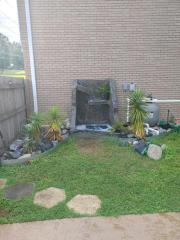
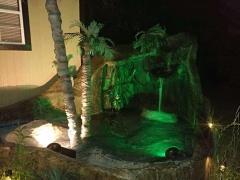
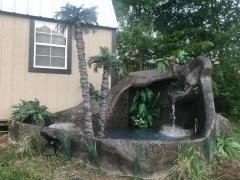
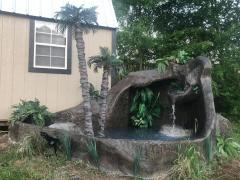
Last summer we planted a few different types of Palms, Yuccas, and a few other things. We also made 2 water fountains by cutting, shaping and forming a frame, then used concrete, canvas tarps ripped into random pieces forming it until we liked it.
A lot of work but it will look awesome next summer! ☀️
- 26 images
- 5 image comments
- 5,184 views
-
-
 1
1
-
26 images
-
By TammyAndrews · 1 comment
-
By TammyAndrews
-
By TammyAndrews
-
By TammyAndrews
-
By TammyAndrews
-
By TammyAndrews
-
By TammyAndrews
-
By TammyAndrews
-
By TammyAndrews
-
By TammyAndrews
-
By TammyAndrews
-
By TammyAndrews
-
By TammyAndrews
-
By TammyAndrews
-
By TammyAndrews
-
By TammyAndrews
-
By TammyAndrews
-
By TammyAndrews
-
By TammyAndrews
-
By TammyAndrews
-
By TammyAndrews
-
By TammyAndrews
-
By TammyAndrews
-
By TammyAndrews
-
By TammyAndrews
-
By TammyAndrews

0 Album Comments
There are no comments to display.
Create an account or sign in to comment