Leaderboard
-

MichaelB
IPS MEMBER2Points187Posts -

Conrad
IPS MEMBER1Points30Posts -

Arecaceus
IPS MEMBER1Points920Posts -

Mr. Coconut Palm
IPS MEMBER1Points2,606Posts
Popular Content
Showing content with the highest reputation since 11/21/2022 in Image Comments
-
2 points
-
 Nice looking. Good luck with it in California. John1 point
 -
1 point
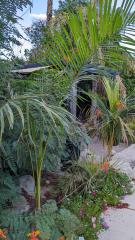 Hi! Sorry, I'm new to this site and didnt see your message. This is in Cathedral City, CA, just east of Palm Springs. I'm going to post another photo of the coconut. It's been colder than usual here lately and it's suffered some minor damage, but still surviving as of now1 point
 -
1 point