


Leaderboard
-

Pez
IPS MEMBER4Points149Posts -

Bill Austin
IN MEMORIAM1Points1,533Posts
Popular Content
Showing content with the highest reputation on 02/08/2013 in Posts
-
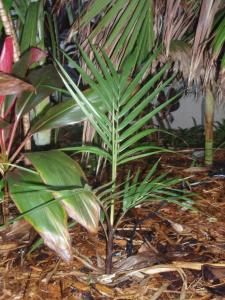
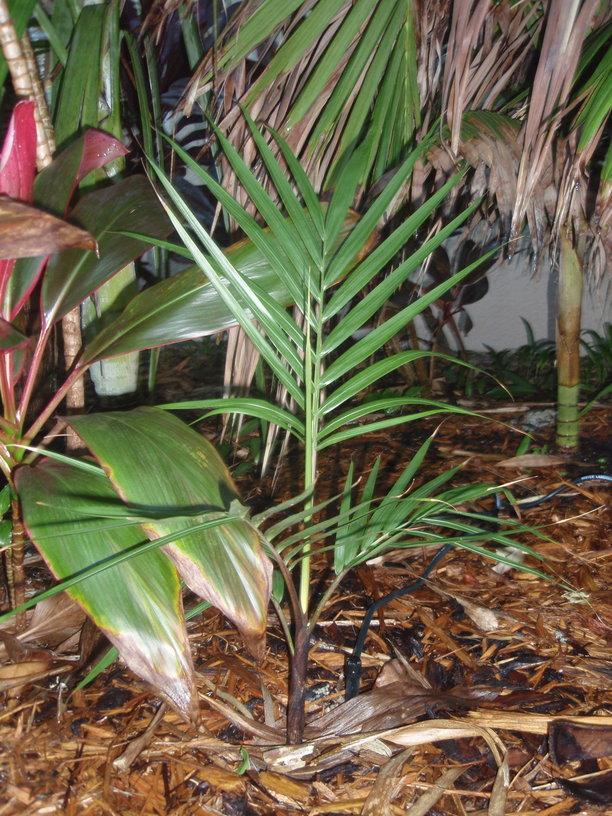
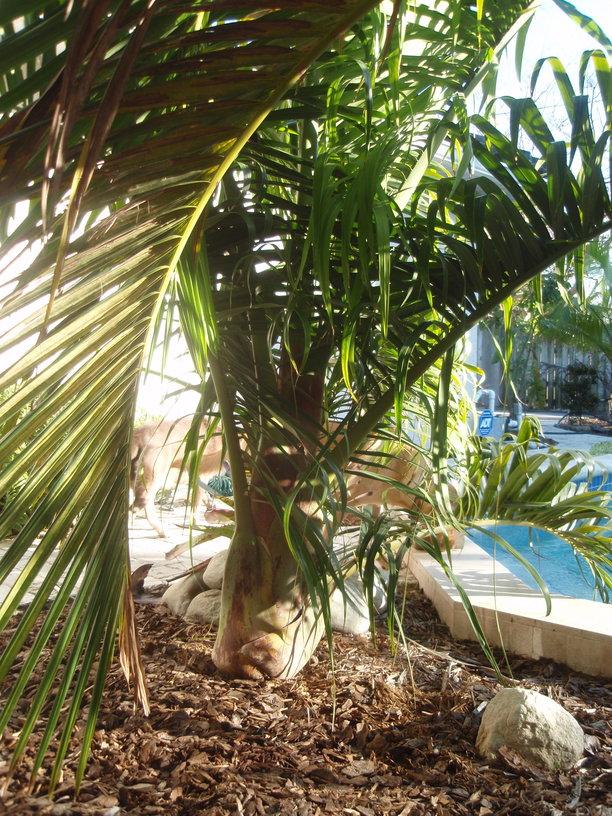
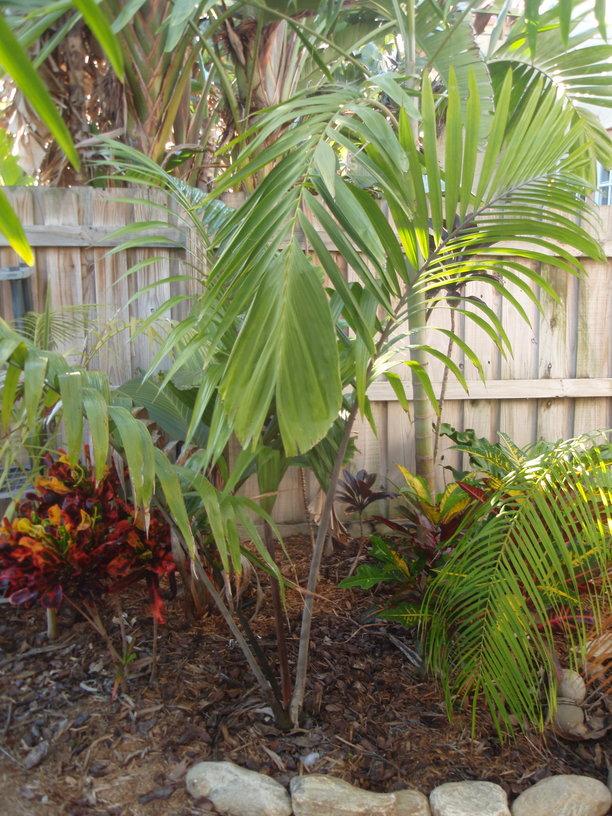
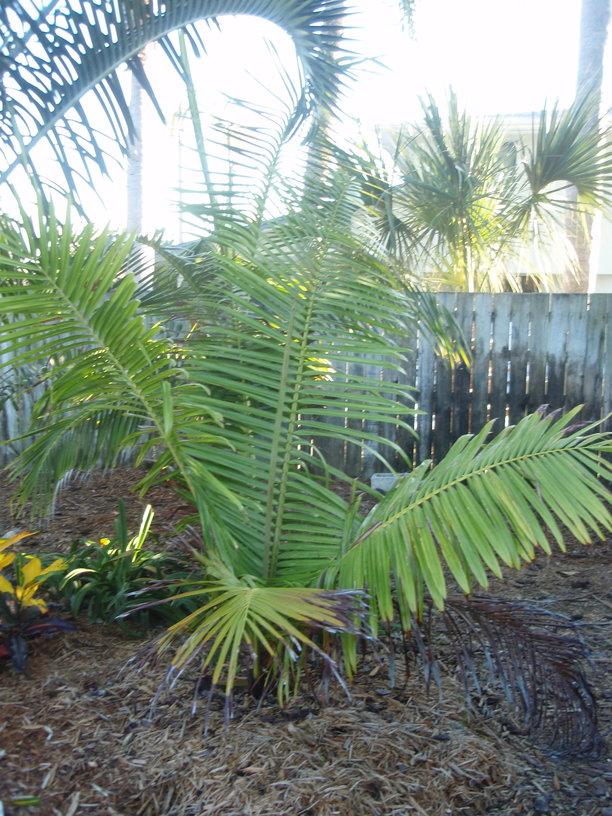
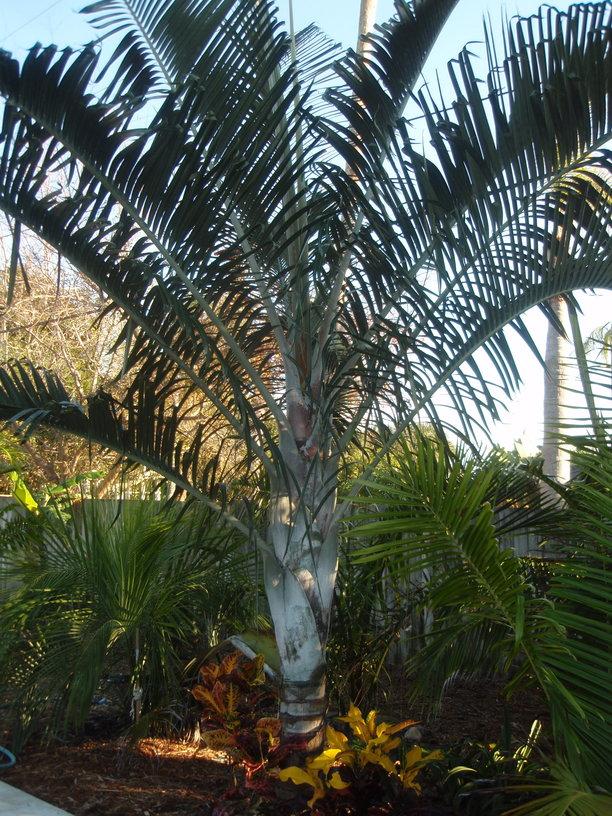
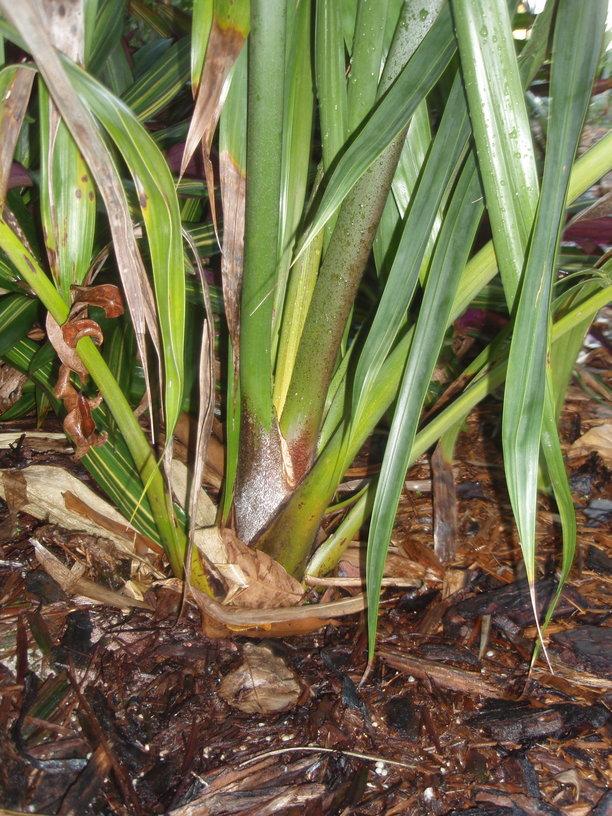
1 pointHad to take some pic. of plants for a client today and was walking pass this and thought I would share how there are coming along.
 1 point
 -
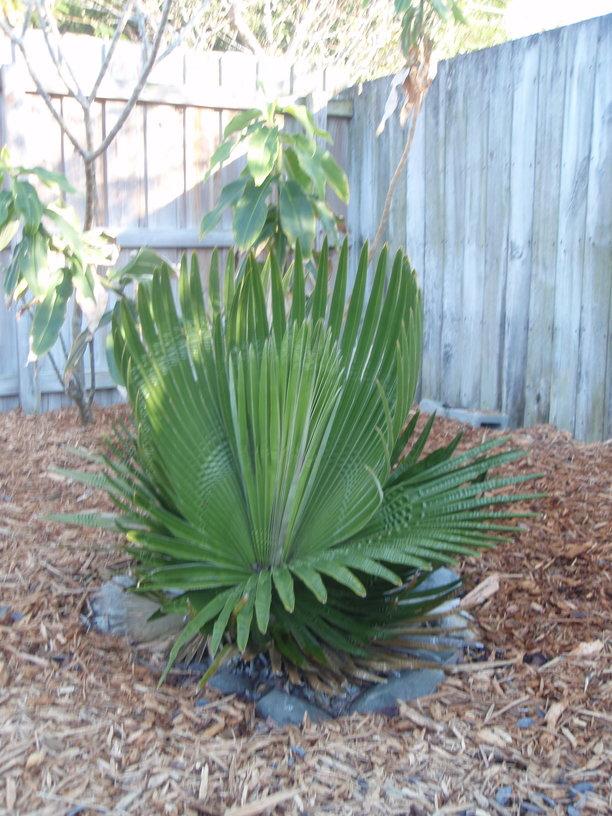
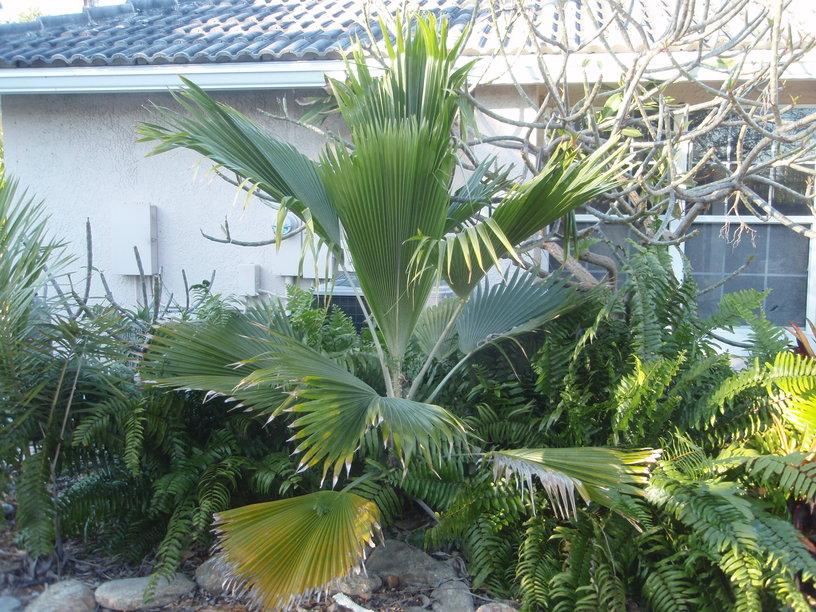
1 pointJust started a 2013 folder, wanted to share a few photos. Also, insurance company is requesting some items trimmed away from the house so who knows whats going to happen going forward....


 1 point
 -









Account
Navigation
Configure browser push notifications
Chrome (Android)
- Tap the lock icon next to the address bar.
- Tap Permissions → Notifications.
- Adjust your preference.
Chrome (Desktop)
- Click the padlock icon in the address bar.
- Select Site settings.
- Find Notifications and adjust your preference.
Safari (iOS 16.4+)
- Ensure the site is installed via Add to Home Screen.
- Open Settings App → Notifications.
- Find your app name and adjust your preference.
Safari (macOS)
- Go to Safari → Preferences.
- Click the Websites tab.
- Select Notifications in the sidebar.
- Find this website and adjust your preference.
Edge (Android)
- Tap the lock icon next to the address bar.
- Tap Permissions.
- Find Notifications and adjust your preference.
Edge (Desktop)
- Click the padlock icon in the address bar.
- Click Permissions for this site.
- Find Notifications and adjust your preference.
Firefox (Android)
- Go to Settings → Site permissions.
- Tap Notifications.
- Find this site in the list and adjust your preference.
Firefox (Desktop)
- Open Firefox Settings.
- Search for Notifications.
- Find this site in the list and adjust your preference.