Leaderboard
-

Walter John
IN MEMORIAM4Points15,128Posts -

LJG
IPS DIRECTOR1Points8,230Posts
Popular Content
Showing content with the highest reputation on 04/03/2012 in Posts
-
1 pointHi, I'm currently attempting to upload a hi def Vid to youtube, and it says it will take 275 minutes. Has anyone else used youtube to upload their digital camera mini movies ?1 point
-
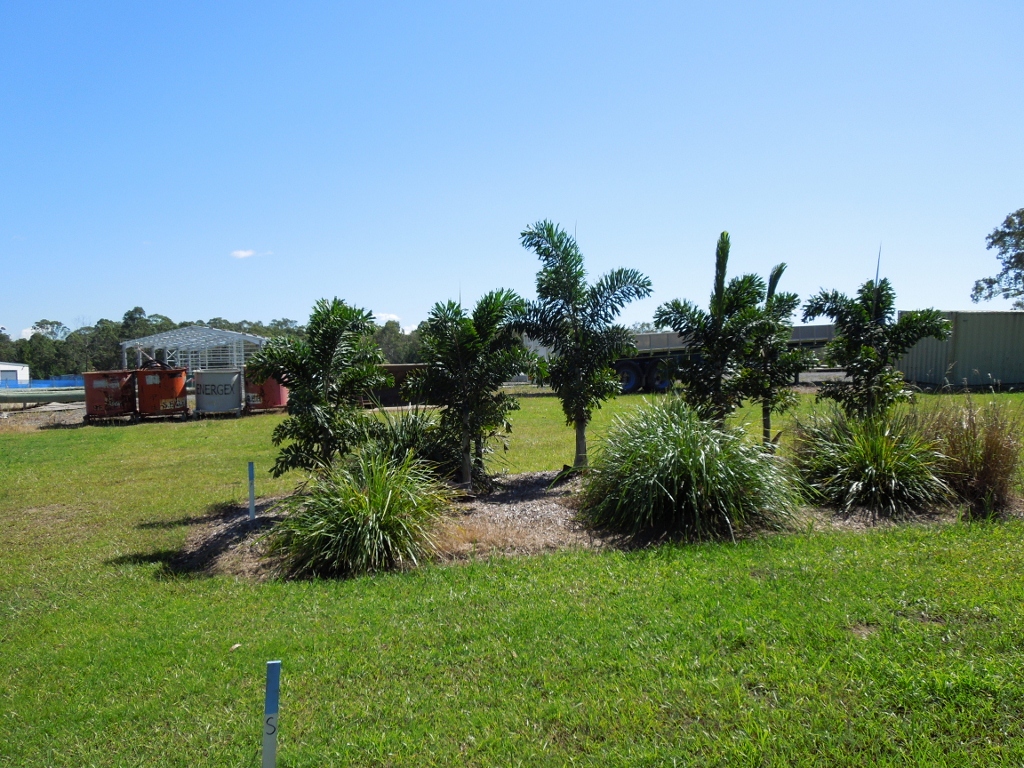
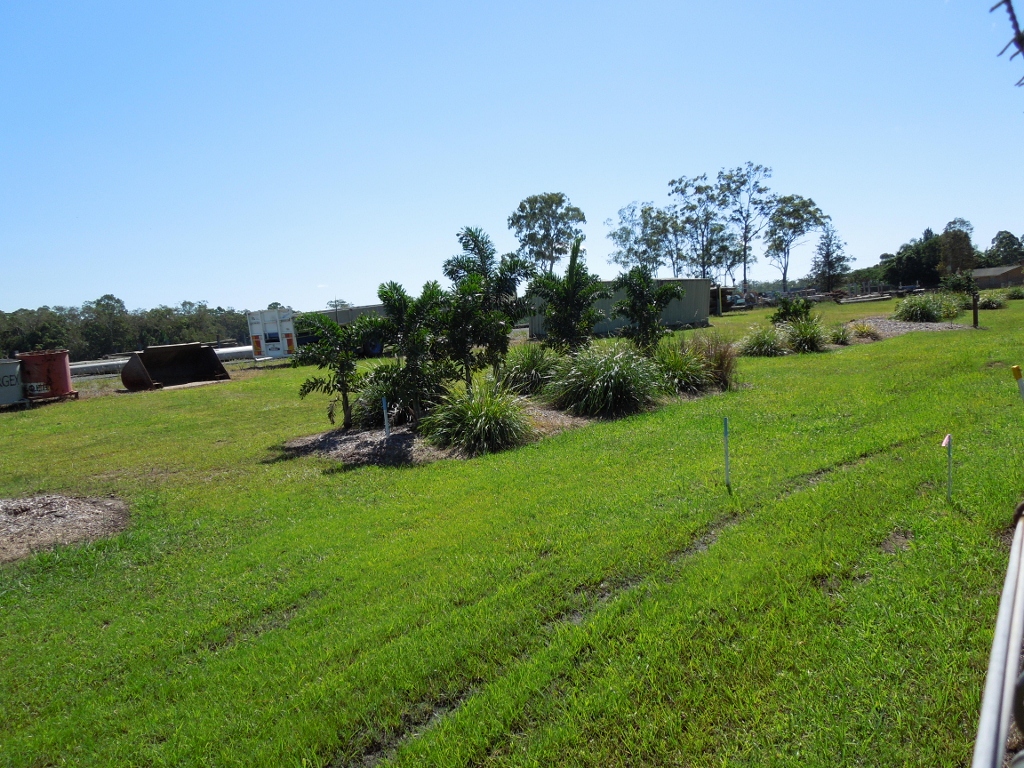
1 pointAt the next town up the road from my place is an industrial estate that has this really healthy looking group of Wodyeti bifurcata. I think they must be fed something special, but then again, who would bother in an industrial estate block ?. I've been meaning to take a photo and this morning I did. How good are these babies ? Chunky and so green with amazing full crowns, man I wish they were growing like this at my place.

 1 point
 -
1 pointAnd one from youtube. My basic issue was the size of the films, due to HiDef quality the file size gets huge.1 point
-
1 point
-
1 pointI went to toss one of my Tahina's thinking it was dead after nothing for over a year. This is what I found. It was growing down for some reason. This is my second one that pushed out the side.
 1 point