Skip to content
View in the app

A better way to browse. Learn more.

PalmTalk

A full-screen app on your home screen with push notifications, badges and more.

To install this app on iOS and iPadOS
  1. Tap the Share icon in Safari
  2. Scroll the menu and tap Add to Home Screen.
  3. Tap Add in the top-right corner.
To install this app on Android
  1. Tap the 3-dot menu (⋮) in the top-right corner of the browser.
  2. Tap Add to Home screen or Install app.
  3. Confirm by tapping Install.

Leaderboard

Popular Content

Showing content with the highest reputation on 02/19/2010 in Posts

  1. Al in Kona
    1 point
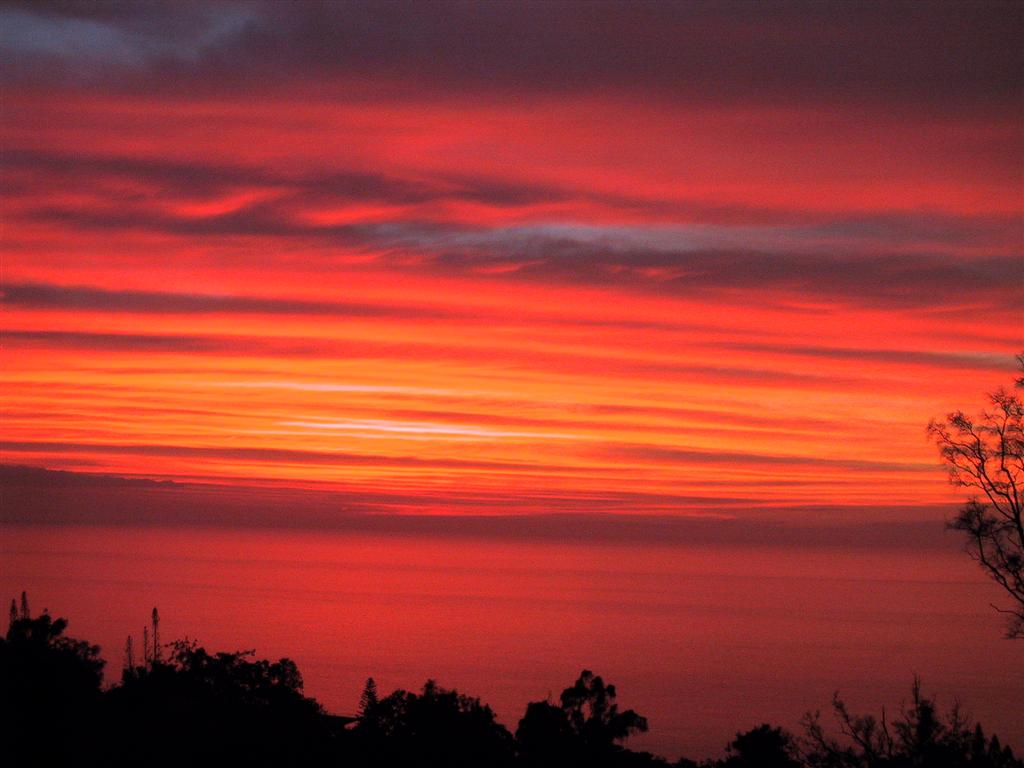
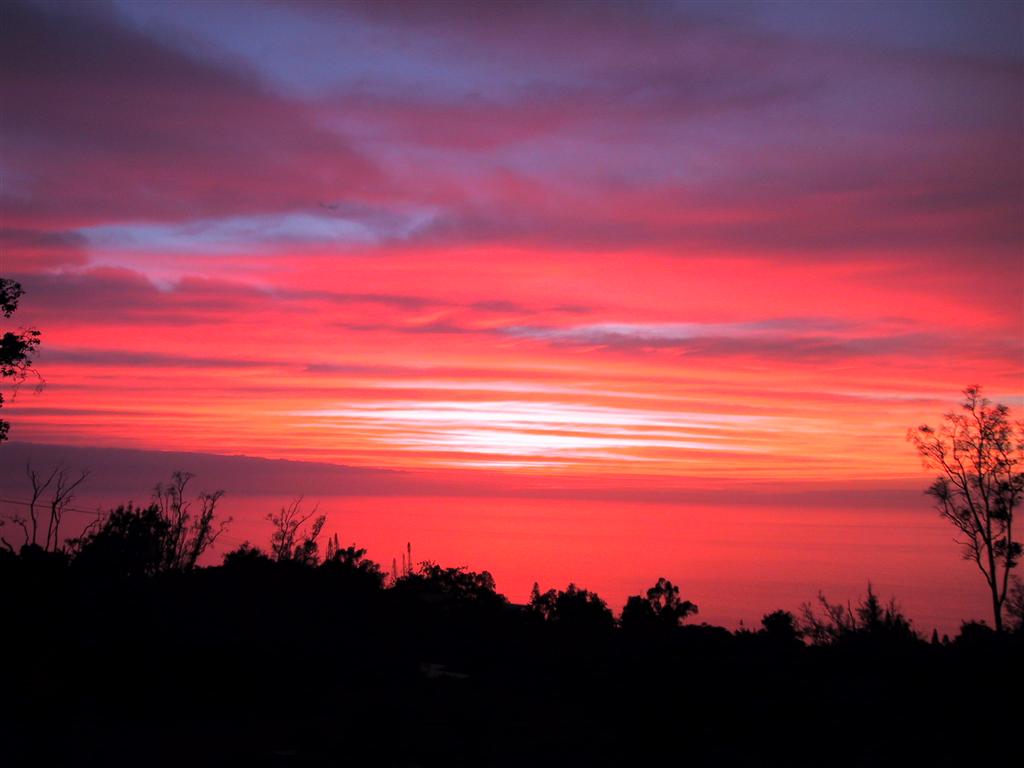
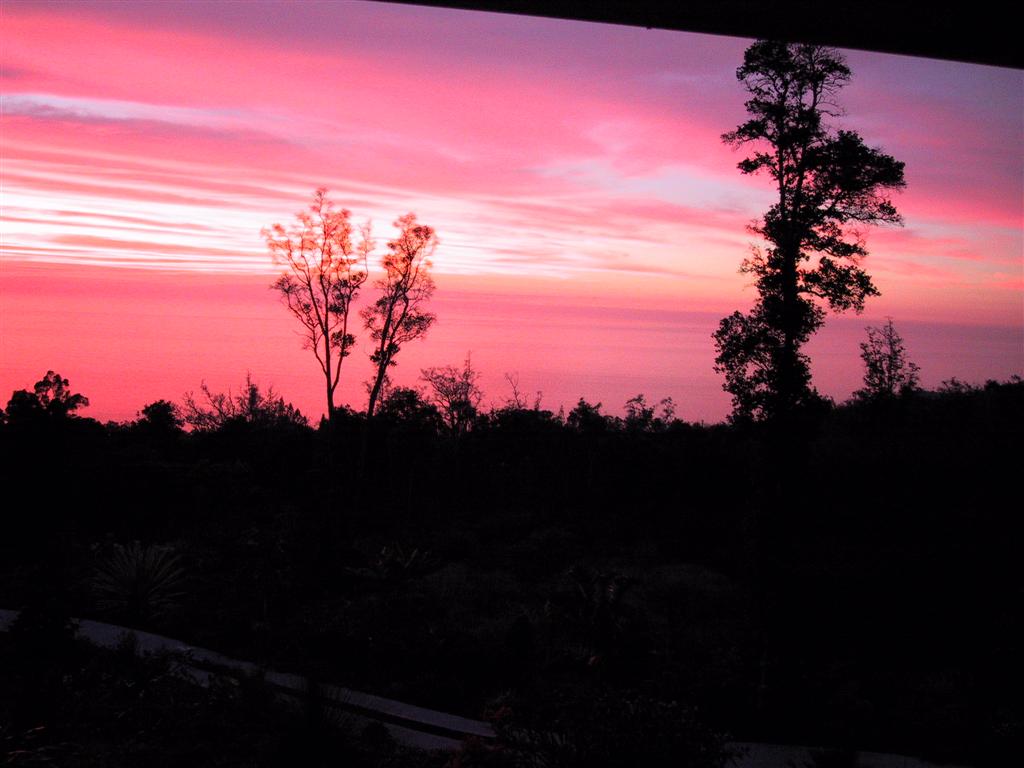
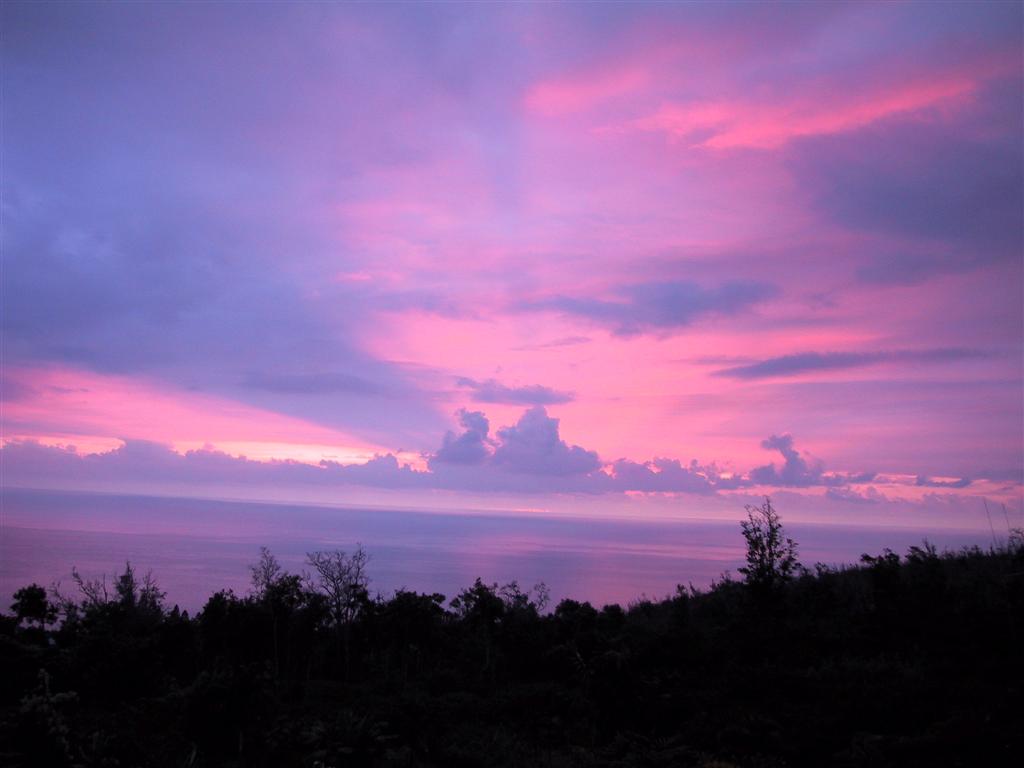
    Here are 4-Hawaiian Sunsets taken from our home in South Kona, Big Island.
  2. Gbarce
    1 point
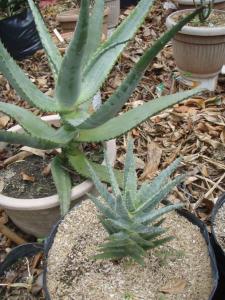
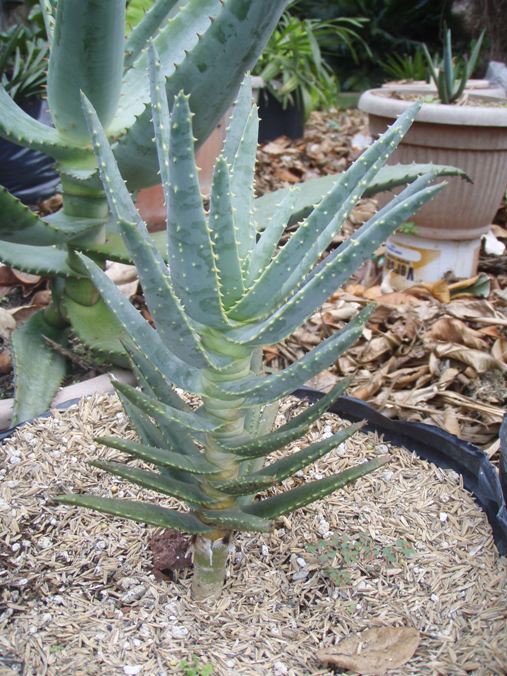
    Here are shots of mine. Still tiny and and hasn't branched yet. The bigger Aloe in teh back is Aloe Excelsa. It probably suicide trying to grow theme here in the tropics becuase of the humidity and the long monsoon season. My only guage is that Aloe Vera does OK over here. But this one has done ok so far. This one will probably stay in the pot forever. Aloe Bonsai I guess
  3. Peter
    1 point
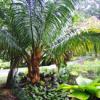
    Here's one at a friend's garden-he has about 75 of them scattered throughout his yard.

Account

Navigation

Configure browser push notifications

Chrome (Android)
  1. Tap the lock icon next to the address bar.
  2. Tap Permissions → Notifications.
  3. Adjust your preference.
Chrome (Desktop)
  1. Click the padlock icon in the address bar.
  2. Select Site settings.
  3. Find Notifications and adjust your preference.