


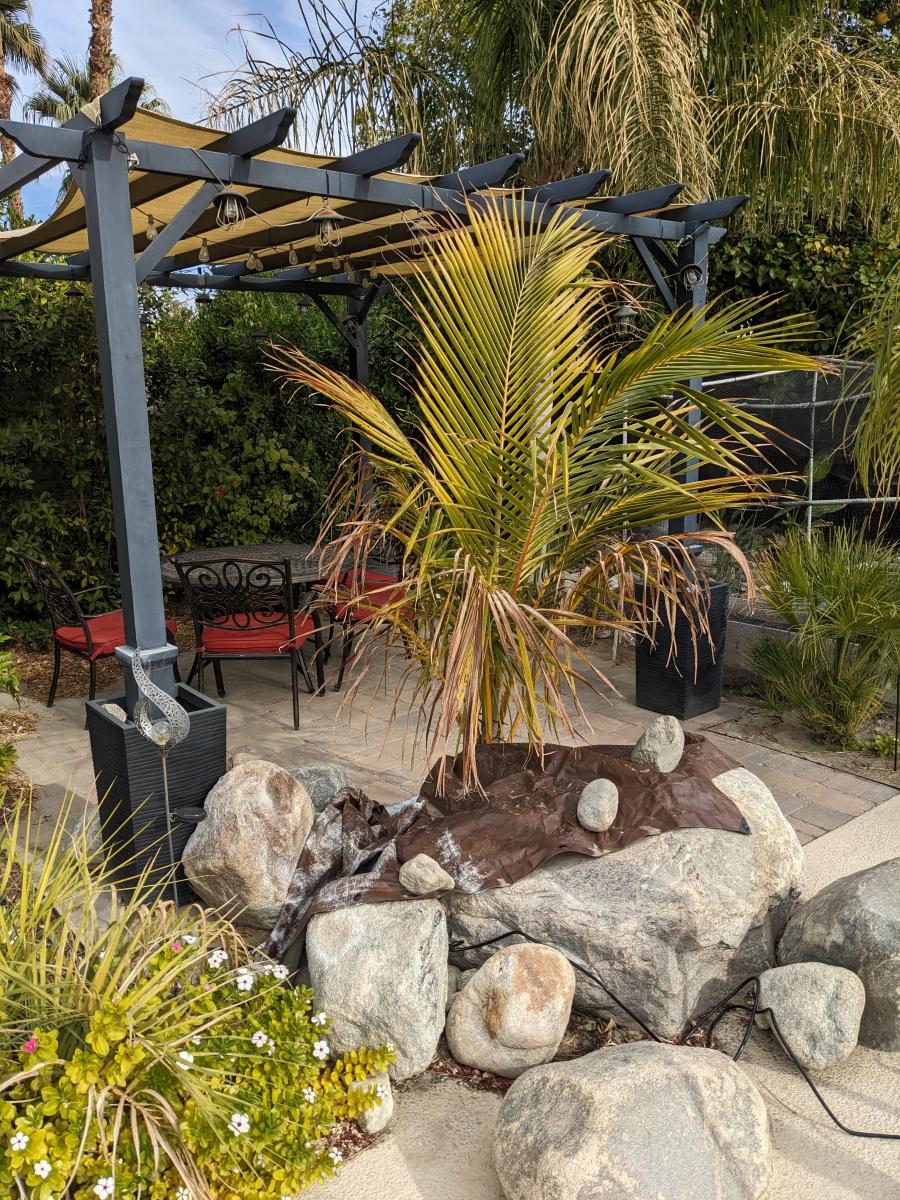



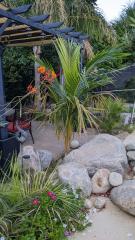
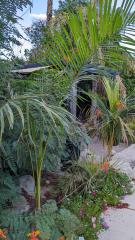
Coconut palm, Cathedral City, CA 12/17/22

By Conrad
- 3,246 views
- View Conrad's images
Here's my backyard coconut palm today, 12/17/2022. It has been a bit colder than normal lately and the leaves are showing some cold damage. It rained a few days ago with chilly weather and I used a tarp to keep the soil dry.
I am currently watering the soil every 2 or 3 weeks with warm water during warm and sunny conditions. We should get up to 78 on Christmas! So I'll give it more water next weekend.
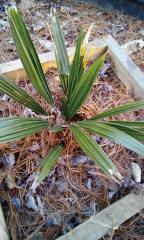
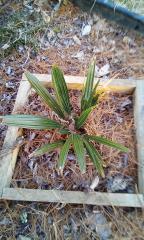
I bought this coconut tree online in February 2021 and left it outside in a 15 gal pot until December 2021. Then I brought it inside and kept it in the house for about 4 months, using an indoor grow light to help it get enough light during winter. I planted it in the soil in March 2022.
I used drip irrigation from March - October, then closed off the drippers and have only been watering as needed with a watering can since the weather cooled down.
Recommended Comments
Create an account or sign in to comment