


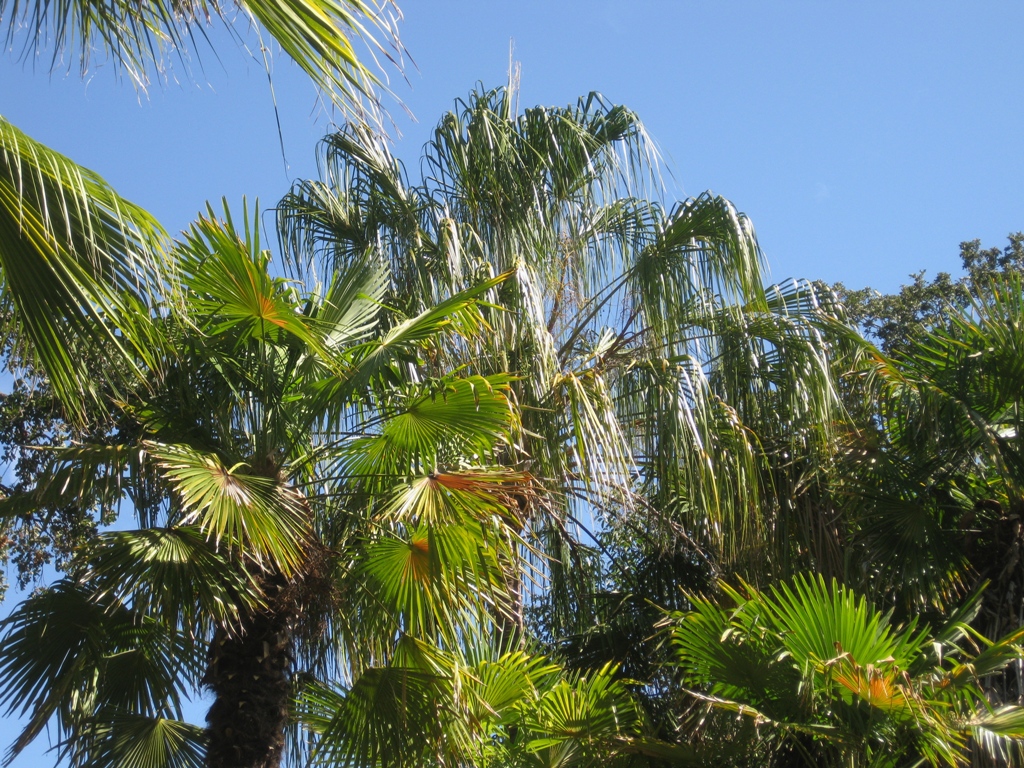
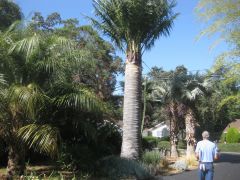
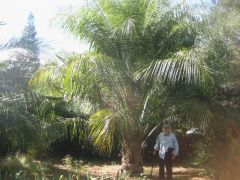
Dick Douglas Garden
Album created by
John Case ·
Updated
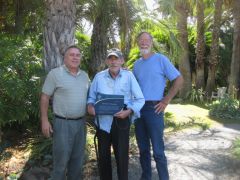
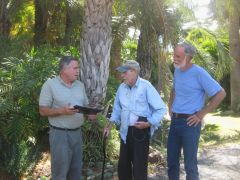
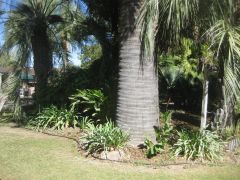
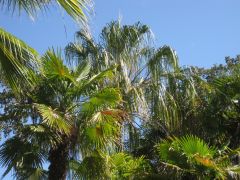
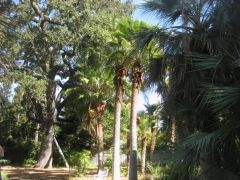
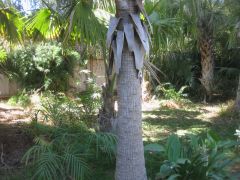
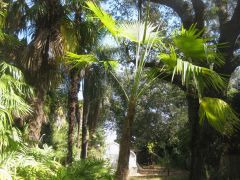
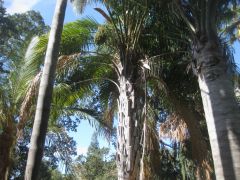
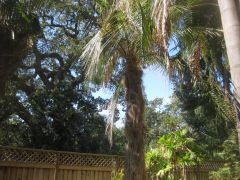
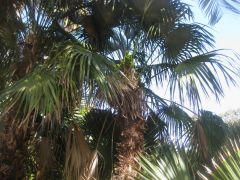
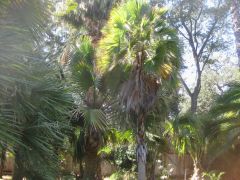
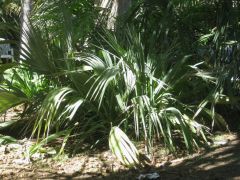
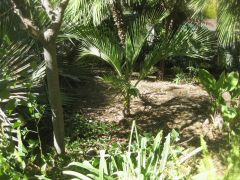
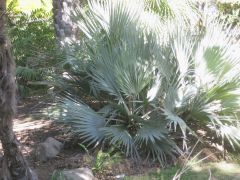
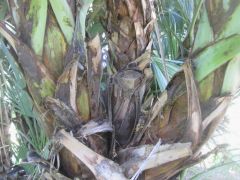
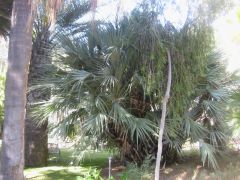
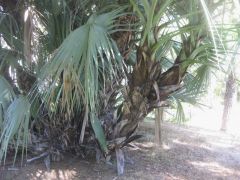
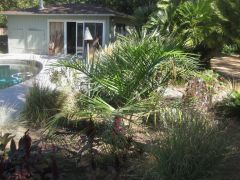
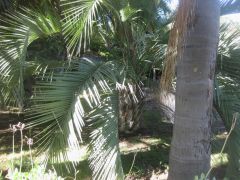
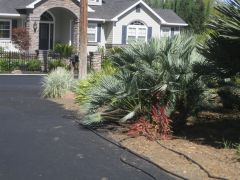
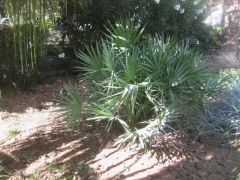
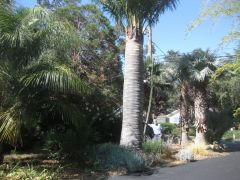
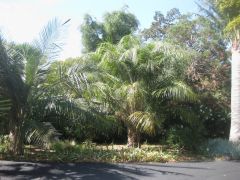
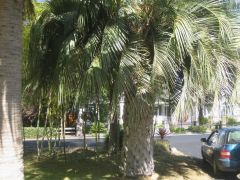
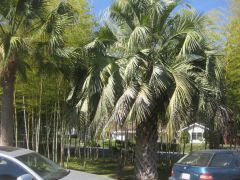
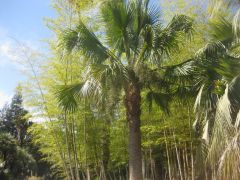
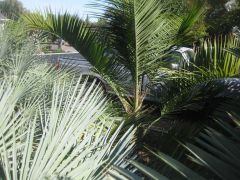
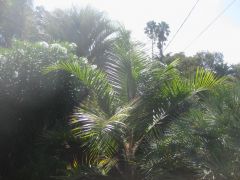
The photos in this gallery were taken in October of 2012 of a visit to present Dick a Plaque of Appreciation for his contributions to the Palm society and to palm culture in general.
- 43 images
- 2 image comments
- 4,882 views
-
-
 1
1
-
43 images
-
By John Case · 1 comment
-
By John Case
-
By John Case
-
By John Case
-
By John Case
-
By John Case
-
By John Case · 1 comment
-
By John Case
-
By John Case
-
By John Case
-
By John Case
-
By John Case
-
By John Case
-
By John Case
-
By John Case
-
By John Case
-
By John Case
-
By John Case
-
By John Case
-
By John Case
-
By John Case
-
By John Case
-
By John Case
-
By John Case
-
By John Case
-
By John Case
-
By John Case
-
By John Case
-
By John Case
-
By John Case
-
By John Case
-
By John Case
-
By John Case
-
By John Case
-
By John Case
-
By John Case
-
By John Case
-
By John Case
-
By John Case
-
By John Case
-
By John Case
-
By John Case
-
By John Case










0 Album Comments
There are no comments to display.
Create an account or sign in to comment