


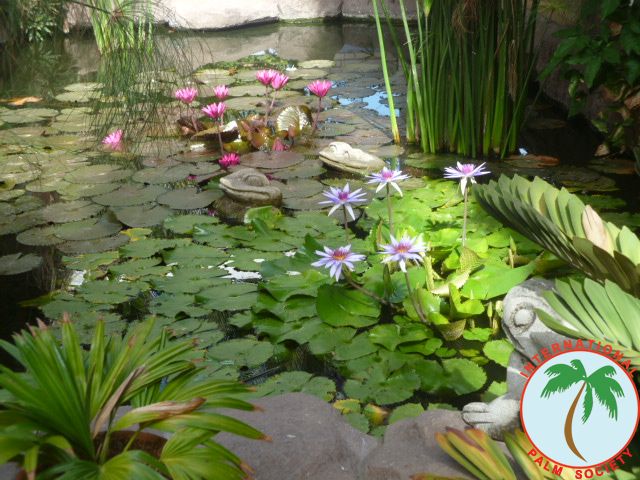
Peter Pacific's Guatemalan garden
Album created by
Peter Pacific ·
Updated
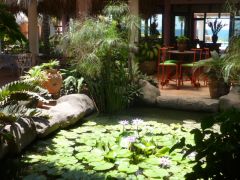
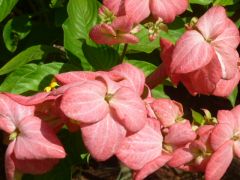
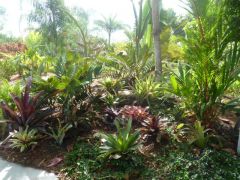
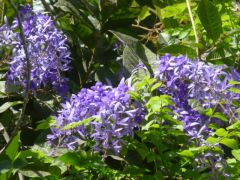
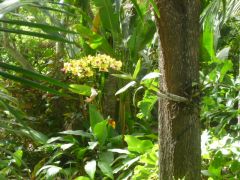
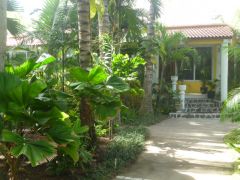
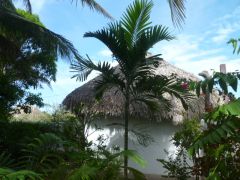
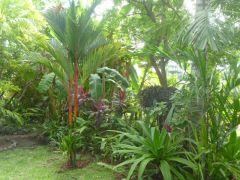
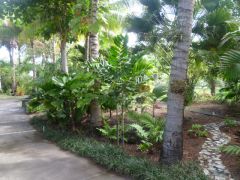
This is a fairly young garden, less than 10 years old, and the biggest challenge I have is being oceanfront with salt that permeates the air, the soil. My earth is volcanic sand and must be amended with truckloads of black dirt. The crabs have a field day and leave holes everywhere, but with all the problems of a rural coast, I love my garden.
19 images
-
By Peter Pacific
-
By Peter Pacific
-
By Peter Pacific
-
By Peter Pacific
-
By Peter Pacific · 4 comments
-
By Peter Pacific
-
By Peter Pacific
-
By Peter Pacific
-
By Peter Pacific
-
By Peter Pacific
-
By Peter Pacific
-
By Peter Pacific
-
By Peter Pacific
-
By Peter Pacific · 1 comment
-
By Peter Pacific
-
By Peter Pacific
-
By Peter Pacific
-
By Peter Pacific
-
By Peter Pacific







0 Album Comments
There are no comments to display.
Create an account or sign in to comment